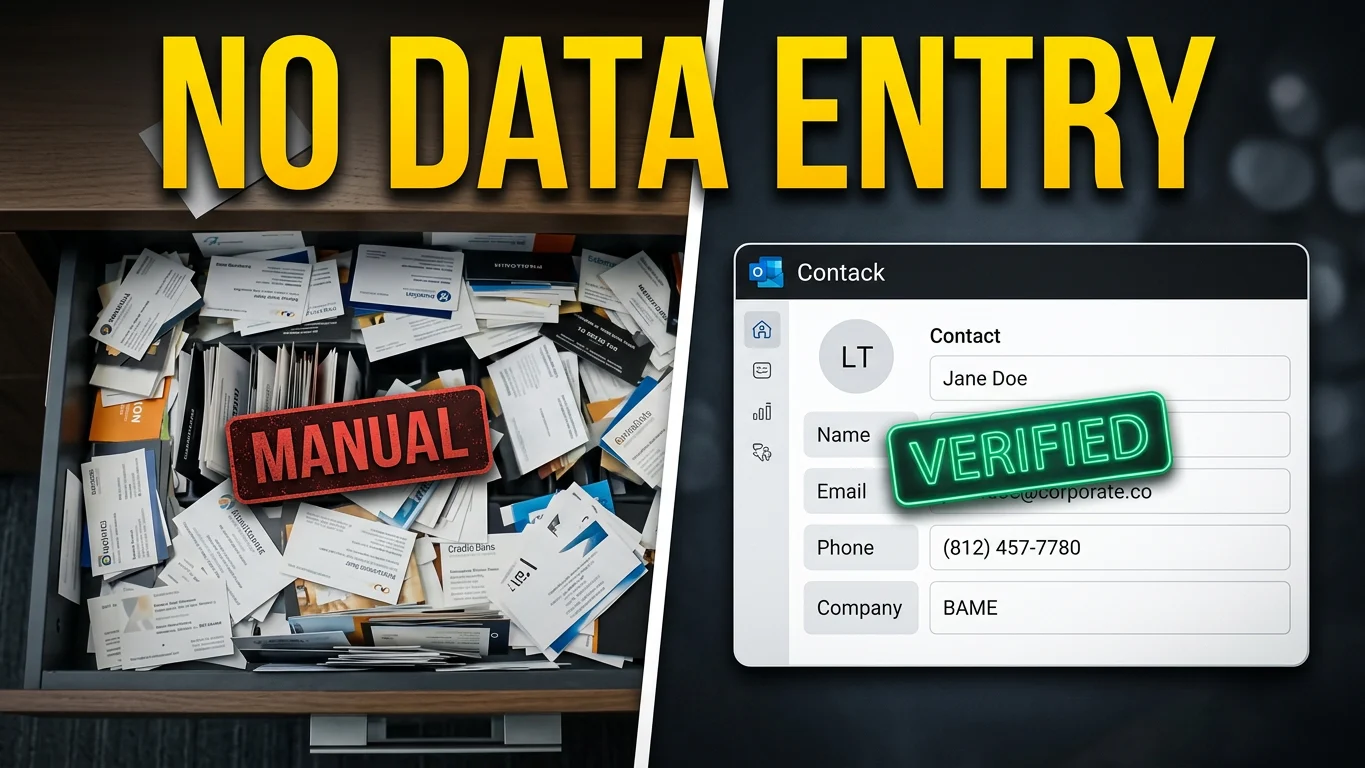
Every business struggles with the "paper pile." Whether it is a stack of business cards collected at a networking event (0:01), crumpled travel receipts, vendor invoices (0:39), or physical customer intake forms—unstructured data slows operations down.
Historically, closing the gap between a physical document and a structured digital record required manual data entry (0:48). It is slow, highly error-prone, and exactly the kind of tedious task your team hates doing (0:48).
Thanks to advancements in cloud automation and artificial intelligence, you can now build a fully automated document processing pipeline that eliminates manual retyping entirely while maintaining enterprise-grade safety guardrails (0:55).
🛠 The 3-Step Automated Architecture
A production-ready automation pattern relies on three clean phases to process unstructured documents cleanly:
- 1. Capture: A user takes a quick photograph or scans a PDF of the document using their smartphone, dropping the file directly into a designated secure cloud folder (0:12).
- 2. Intelligent Processing: The cloud ecosystem triggers an automation engine that passes the file to an AI extraction model (1:54). The AI instantly reads the layout, isolates the text, and extracts targeted metadata fields (such as names, company names, email addresses, and phone numbers) (1:19).
- 3. Confidence-Based Routing: Crucially, the AI generates a dedicated confidence score for every single field it extracts (1:25). If the data scores highly, it automatically routes to your database or CRM (like Outlook or SharePoint) (1:33). If a scan is blurry or unreadable, the workflow catches it and flags it for human review instead of polluting your system with garbage data (1:33).
📈 Real-World Blueprint: Business Card to Outlook Contact
To see this architectural pattern in action, let's look at how it revolutionizes contact management:
Step in Workflow | System Action | Safety & Data Integrity Rule |
|---|---|---|
Drop File | User saves a card photo to a cloud drive (1:54). | File types can scale across image formats or PDFs (1:13). |
Extract Details | AI pulls names, titles, and phone numbers (2:01). | Every single field receives an individual confidence rating (1:25). |
Deduplication Check | System queries existing database records. | Matches records based on unique identifiers (like email address) to update instead of creating duplicates (2:18). |
Target Routing | Validated data saves seamlessly to the CRM (2:01). | Low-confidence fields route to an isolated human-in-the-loop review folder (1:40). |
Audit Trail Created | Record logs with a timestamp. | The original high-resolution scan is permanently attached to the database entry (1:47). |
🔒 Why Platform Infrastructure Beats One-Off Chats
It can be tempting to simply paste an image or invoice into a public AI chat window whenever you need a quick extraction (3:35). However, when running an unattended business process every single day, the underlying platform architecture matters far more than the raw AI model (3:41).
Building this natively inside your existing cloud ecosystem (such as Azure Logic Apps or Google Workspace) provides massive security and structural advantages:
Natively Locked Data Privacy
When leveraging native cloud tools, your private data never leaves your company's secure tenant (3:49). When IT compliance officers review the automation, there are no red flags because your files remain in your pre-approved internal cloud environment (3:49).
Zero API Key Leakage Risks
The automation engine authenticates through your system's built-in enterprise connections (4:03). There are zero external API keys to manually manage, rotate, or accidentally leak into public spaces (4:10).
Clean Procurement & Centralized Billing
The computing resources and AI usage simply add lines to the consolidated cloud provider bill your business already pays (4:10). You avoid lengthy new vendor software evaluations or credit card management loops (4:16).
Grounded, Actionable Validation
Rather than relying on an LLM "rating its own vibes," native document AI tools score their confidence strictly on what is physically legible on the page (4:16). This is what makes your automated human-review safety nets completely reliable (4:24).
🚀 Take the Next Step
Stop letting valuable data rot in desk drawers or physical file folders (0:07). By turning your unstructured documents into structured, searchable digital assets automatically, you win back hours of team productivity and eliminate human entry errors forever.
To customize this blog post for your website launch, let me know:
- What specific document types (e.g., invoices, receipts, intake forms) does your target audience struggle with most?
- Which cloud ecosystem (Microsoft Azure/Power Automate or Google Cloud/Workspace) do you want to highlight?
- What is the desired call to action at the end of the post (e.g., download a checklist, book a consultation)?