Every Microsoft 365 tenant gets a default Power Platform environment automatically. It has no guardrails. Any licensed user — from a recent hire to a contractor who left six months ago — can build a Power App, connect it to your SharePoint or Dataverse, and share it with the whole organization.
Most organizations have never touched this environment’s configuration. Which means everything built in those early “let’s try this out” months lives there, in production, unsupervised.
What’s typically in a default environment
When I run a tenant audit, the default environment consistently holds:
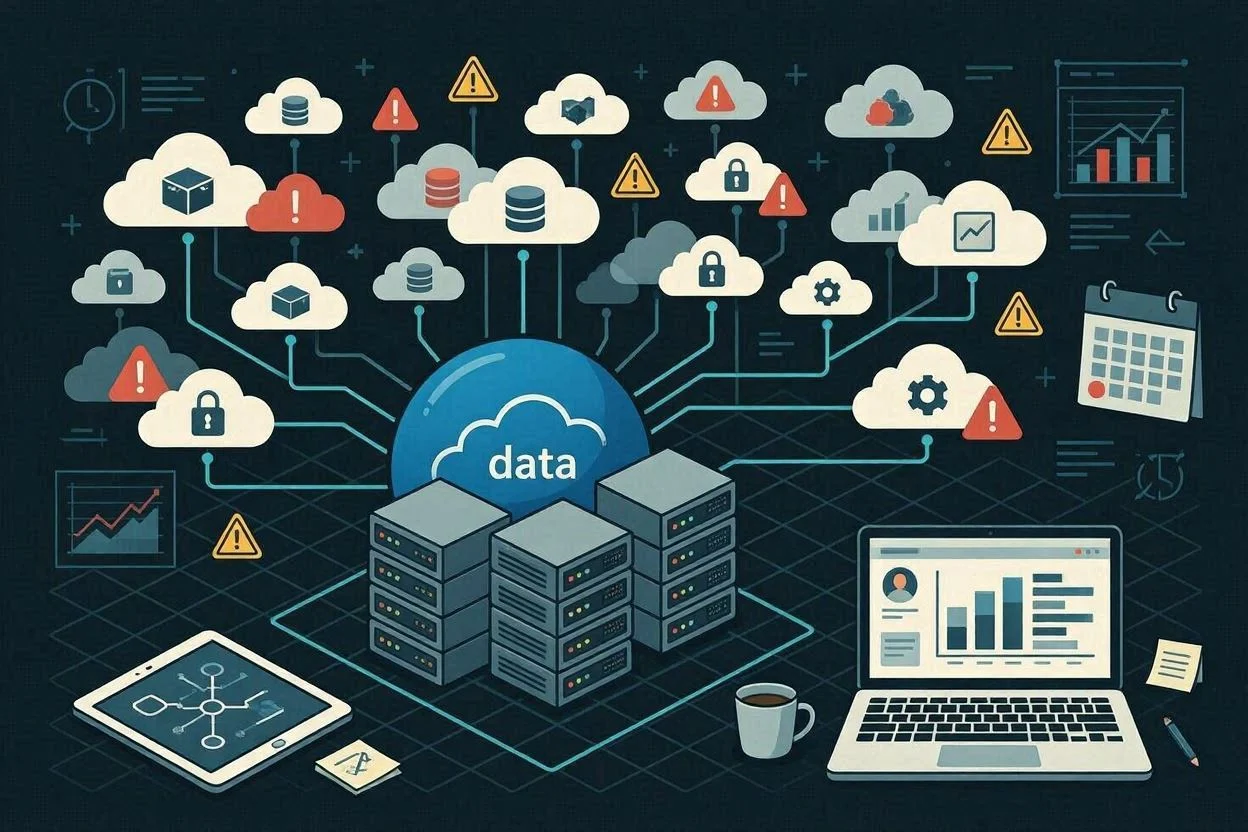
- Orphaned apps owned by users who have left. The app still runs. Nobody knows who to call when it breaks.
- Flows connecting to personal connectors — a former employee’s personal OneDrive, a shared Gmail account set up before the organization moved fully to Microsoft 365.
- Test apps that became production apps. Someone built a proof of concept, shared it with the team to try out, and it quietly became the way that team does its job.
- No DLP policy. The default environment often has no Data Loss Prevention policy applied, which means there are no restrictions on which connectors can be used together.
Why the default environment is hard to lock down retroactively
Microsoft designed the default environment to be open. That openness was the point — low friction, fast experimentation. The problem is that openness compounds. Every app built there adds surface area. Every connector authorized adds a potential data path. Every user who builds something creates a dependency that’s invisible until it breaks.
Locking it down after the fact means understanding what’s already there before you change anything. Applying a restrictive DLP policy to a default environment with fifty active flows is not a safe operation without knowing which of those flows would break.
The right approach
The correct long-term structure is simple: the default environment should be for personal productivity only — individual use, no shared apps, no production flows. Production workloads belong in dedicated environments with controlled membership and explicit governance.
Getting there from a default environment with years of accumulated sprawl requires a few ordered steps:
- 1. Inventory first. Know exactly what’s running, who owns it, and what it connects to before changing any settings.
- 2. Identify what’s actually in use. Not everything in the default environment is active. Many apps have zero launches in the past 90 days. Those can be moved to a quarantine environment or archived.
- 3. Migrate the production workloads. Anything that’s genuinely running a business process needs a proper home in a managed environment before the default is locked down.
- 4. Apply the DLP policy. Once production workloads are out, you can apply a restrictive policy to the default environment without operational risk.
This is exactly the kind of work a Power Platform Sprawl Audit surfaces. You can’t do step 2 through 4 responsibly without step 1.